.svg)

Loading homepage
⚡Double Discount Offer. 🔥 50% OFF — Infinitie Marketplace Launch Offer. 🎁EXTRA 20% for Codecanyon Customers. 📥Enter Your CodeCanyon Purchase Code & Grab 70% OFF
Proven products our customers install, customize, reskin, and publish alongside Hyper POS SaaS - POS, Inventory, Accounting, Laravel Super Admin Panel | POS SaaS Solution.
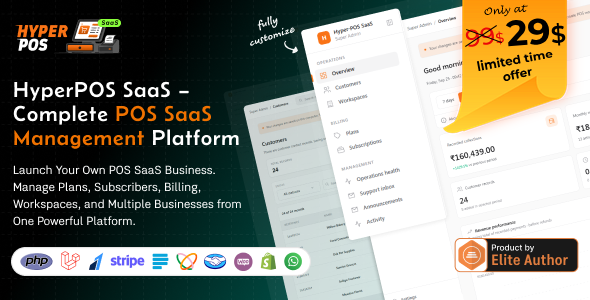
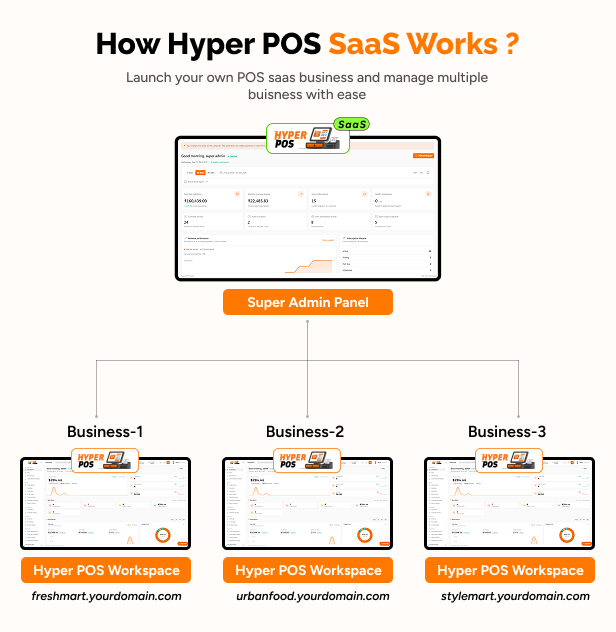
Modern Problem. Modern Solution! Don’t waste months building a POS SaaS platform from scratch or stitching together separate systems for subscriptions, businesses, billing, workspaces, and POS operations. HyperPOS SaaS gives you the foundation to launch, manage, and scale your own POS SaaS business — all from one platform.
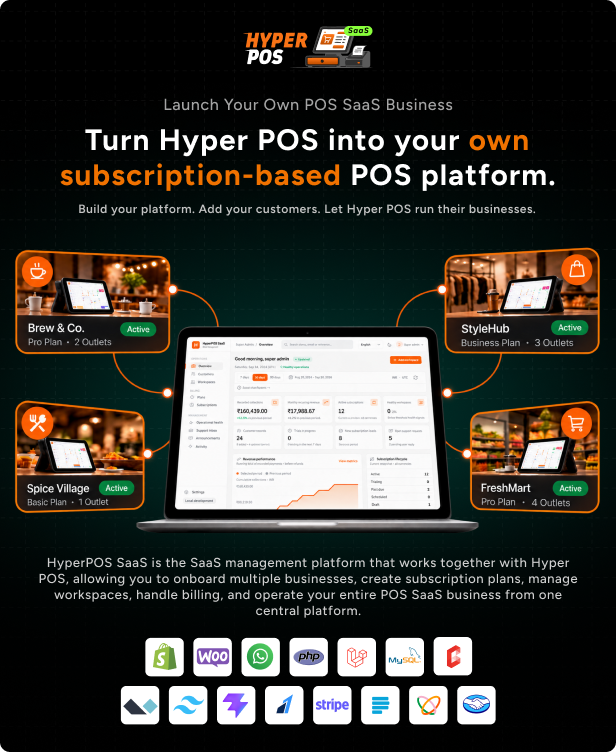
It’s built for SaaS entrepreneurs, software companies, agencies, and developers who want to offer a complete POS solution to businesses under their own platform. Create subscription plans, set pricing and limits, onboard businesses, automatically create their workspaces, manage billing, control access, and manage your entire SaaS operation from a centralized Super Admin Panel.
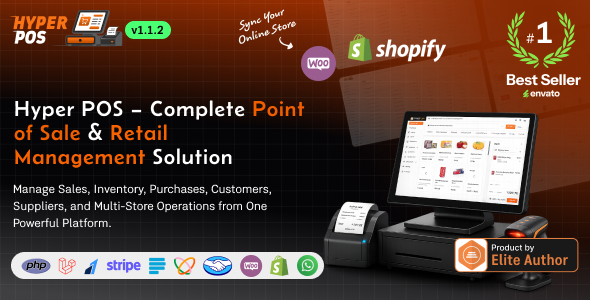
Important Note: HyperPOS SaaS is not a standalone product. HyperPOS SaaS provides the Super Admin Panel used to manage your SaaS platform, businesses, subscriptions, billing, workspaces, and platform operations. Hyper POS provides the operational POS system used by your subscribers to run their businesses. To build and launch your own POS SaaS business, you need to purchase both HyperPOS SaaS and Hyper POS and connect them together.

Explore the platform below and discover everything you need to launch your own POS SaaS business.

|

|

|

|

|

|



Super Admin Panel: https://hyper-pos-saas.eshopweb.store/login
Email: superadmin@gmail.com
Password: Admin@123456
Customer Website: https://hyper-pos-saas.eshopweb.store/
1. Platform Super Admin Panel
2. Business Owner / Workspace Admin Panel
3. Managers / Cashiers Panels
Running a SaaS business should not mean manually installing software, creating databases, configuring every customer account, and tracking subscriptions through spreadsheets. Hyper-POS SaaS transforms the complete Hyper-POS system into a hosted subscription platform. Businesses can select a plan, register, create their workspace, and access their private POS system—while the Platform Super Admin manages customers, plans, subscriptions, payments, workspaces, and platform operations from one central panel. Every subscriber receives an isolated environment with their own database, files, users, stores, settings, and business records. This gives customers the convenience of a hosted service without mixing their data with other businesses.
There are many POS systems and SaaS platforms available, so why choose Hyper-POS SaaS? Because it combines a complete business-management system with the tools required to operate your own subscription-based POS service.
In short: Hyper-POS SaaS gives you the foundation to operate your own subscription-based POS platform while giving every subscriber a powerful, private, and easy-to-use business-management system.
Here is everything Hyper-POS SaaS provides, explained in simple language.
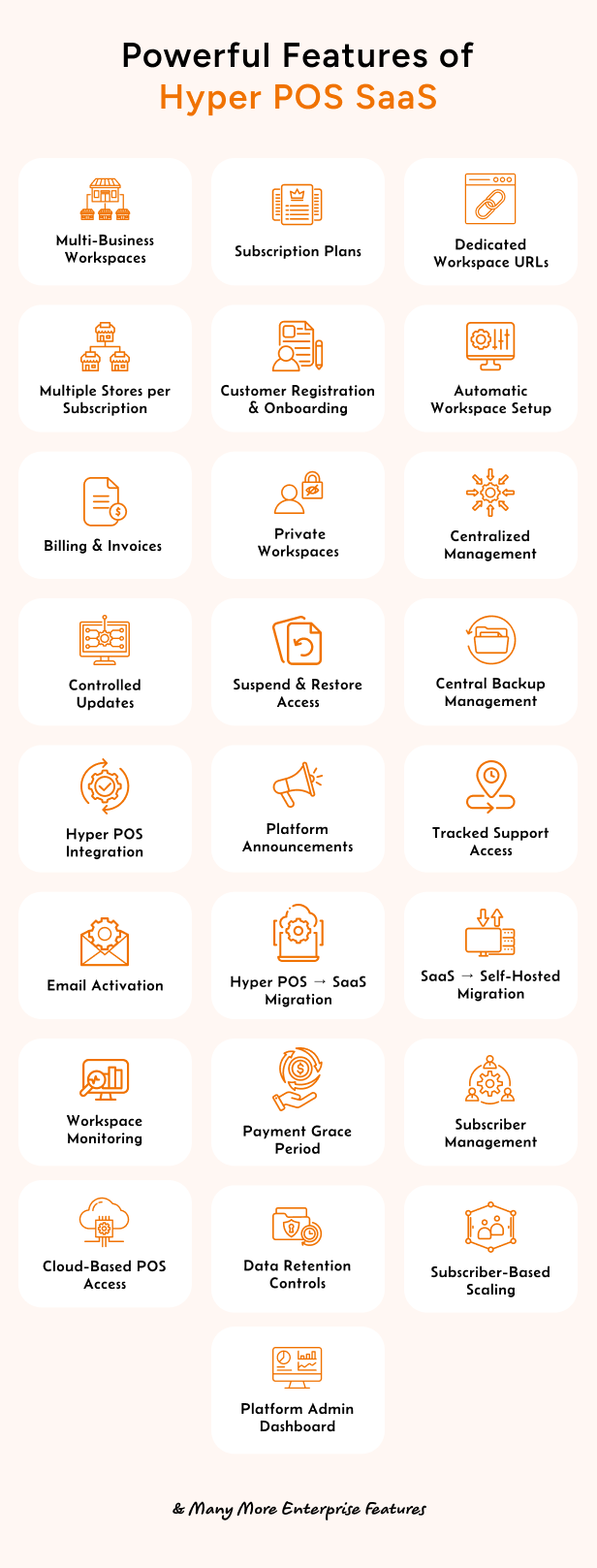
Manage customers, workspaces, subscriptions, plans, payment settings, platform health, and operational activity from one secure panel.
Create plans for different types of businesses. Configure prices, billing periods, trials, store limits, user limits, and included features.
Display your published plans on a professional landing page where customers can compare options, select a plan, and begin registration.
Accept subscription payments through configured online payment gateways. Access is granted only after a payment has been securely confirmed.
Offer automatic recurring billing where supported or allow customers to renew their subscription manually for another monthly or yearly period.
Each subscriber receives a private Hyper-POS environment with separate business data, files, users, sessions, settings, and operational records.
Customers provide basic information such as their company name, administrator details, country, currency, time zone, and preferred workspace address. The platform handles the technical preparation.
The first workspace administrator receives a private, single-use activation link to create their password. Passwords are never sent through email.
A subscriber can manage several stores within one workspace, subject to their plan limits. Inventory, users, transfers, pricing, and reports can be managed across locations.
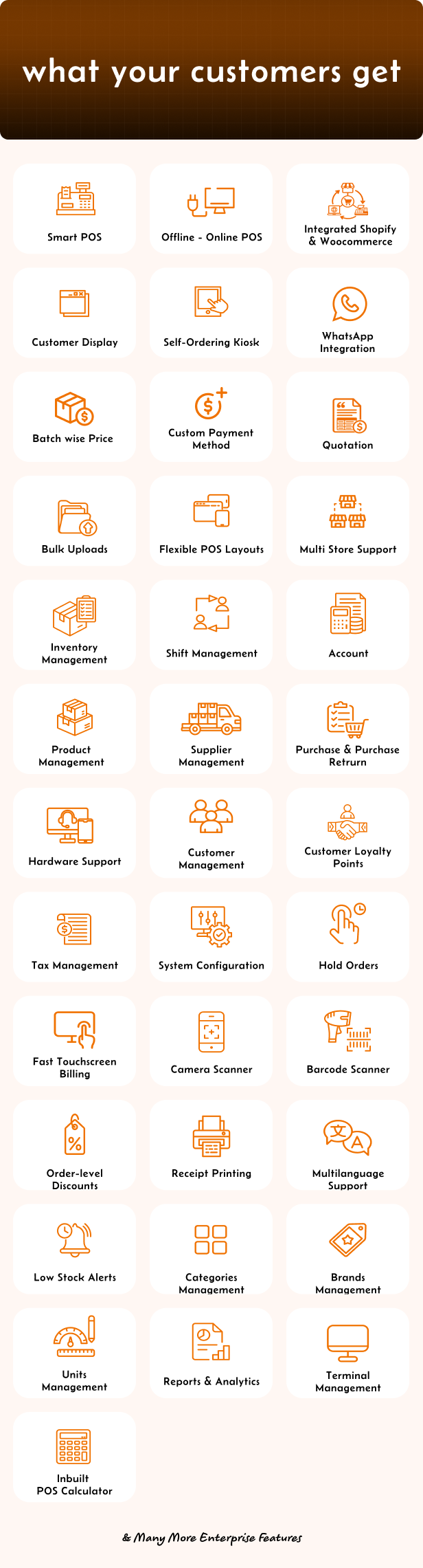
Cashiers can scan barcodes, search products, apply discounts, hold orders, split payments, and complete sales quickly
Supported checkout operations can continue during temporary internet problems and synchronize when the connection becomes available again.
Track stock levels, low-stock products, adjustments, purchases, returns, stock counts, and transfers between stores.
Manage regular products, weighted products, variations, barcodes, categories, brands, batches, expiry dates, prices, and product images.
Save customer information, manage loyalty points, track balances, and view complete customer transaction histories.
Keep every sale, return, refund, quotation, and held order organized. Authorized employees can locate previous transactions and reprint receipts.
Record income, expenses, payments, transfers, and journal activity to maintain a clear picture of the business’s financial position.
View sales, profit, inventory, purchases, taxes, payments, customer balances, and employee activity. Reports can be filtered by store and date.
Control what business owners, managers, cashiers, and other employees can view or manage.
Track shift openings, closings, cash movements, expected drawer balances, and actual closing amounts.
Each workspace can use its own language, currency, time zone, tax rules, receipt settings, numbering rules, and regional preferences.
Businesses can use customer-facing checkout displays and supported self-service kiosk experiences for faster and more professional service.
Manage renewals, plan changes, cancellations, failed payments, grace periods, suspended access, and data-retention policies.
Monitor workspace setup, readiness, queue activity, and health. Interrupted processes can safely continue without creating duplicate workspaces.
Prepare and release compatible Hyper-POS and SaaS updates through a controlled process, with each workspace checked individually.
Maintain isolated backup and recovery policies for customer workspaces to protect important business information.
Move eligible self-hosted Hyper-POS businesses to the SaaS platform while preserving their stores, business records, uploads, and identifiers.
Provide workspace portability so compatible SaaS customers can export their business and return to a self-hosted Hyper-POS installation.
Authorized platform operators can provide controlled customer support while important support actions are securely recorded.
HyperPOS SaaS gives you the foundation to launch and manage your own subscription-based POS platform without building everything from scratch.
Manage subscriptions, customers, workspaces, billing, onboarding, backups, updates, and platform operations, while your subscribers get a complete Hyper POS workspace for sales, inventory, purchases, accounting, reports, and multi-store management.
HyperPOS SaaS + Hyper POS — Everything you need to build your own POS SaaS business.
Get it once. Own it forever. Run your business with confidence.